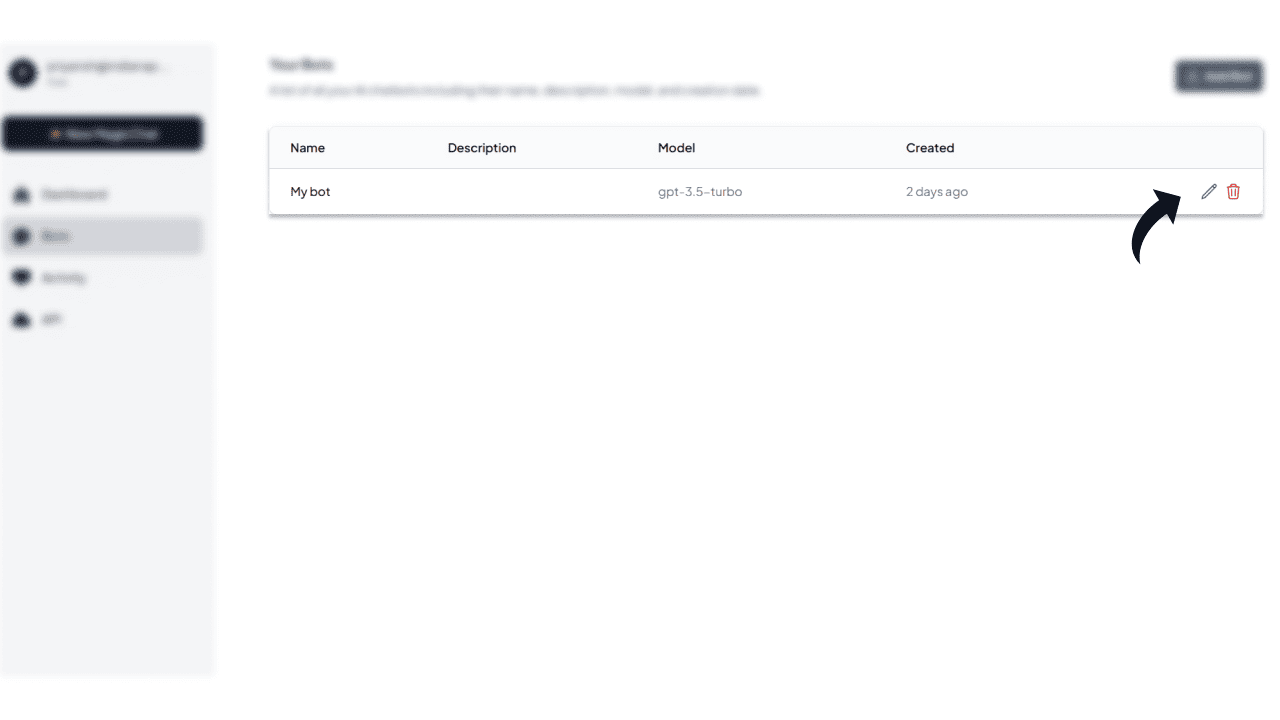

How to Add MagicChat BotId to Your MagicChat.ai Extension

Learn how to add your MagicChat BotId to the MagicChat.ai extension with this step-by-step guide.

Sanskar TiwariSanskar Tiwari
5 min read

Step 1: Visit MagicChat Website

Go to the MagicChat website by clicking the link below.

Visit Website

Step 1 - Visit MagicChat Website

Step 2: Signup or Login to Your Account

If you are a new user, create an account. If you already have an account, simply log in.
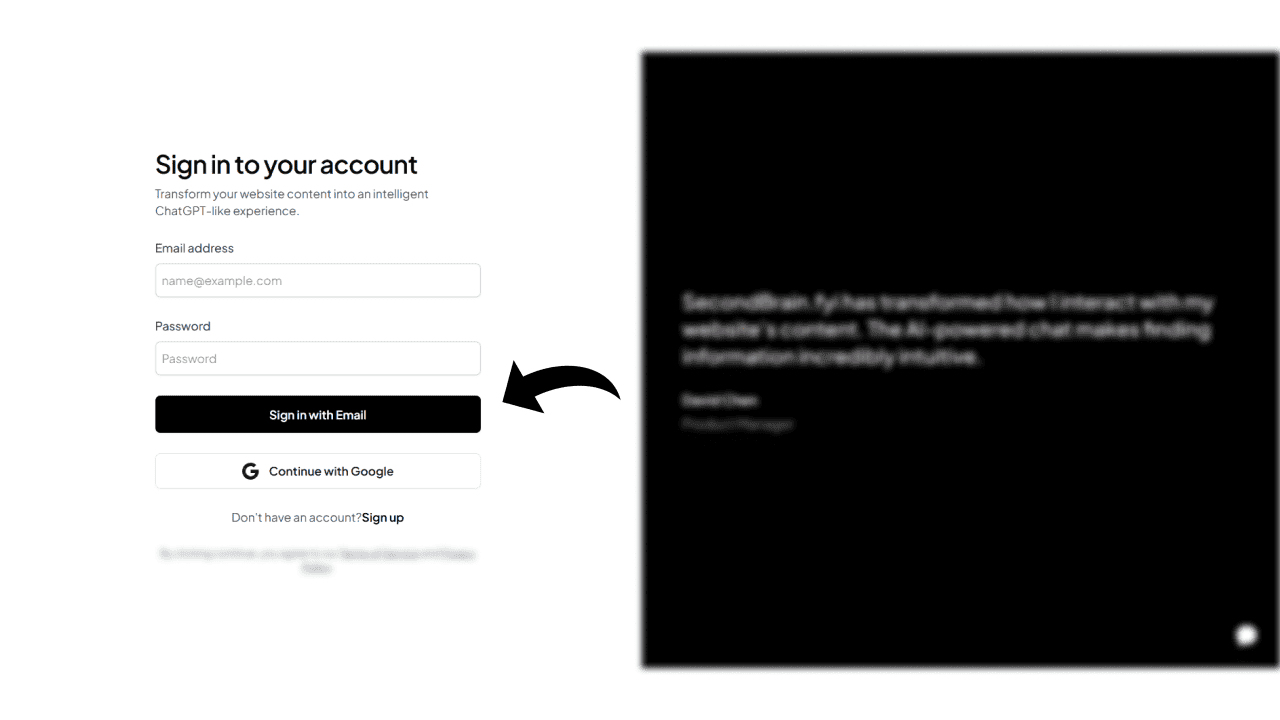
Step 2 - Signup or Login to Your Account

Step 3: Create or Select Your Bot

Once logged in, create a new bot or choose an existing bot from your dashboard.
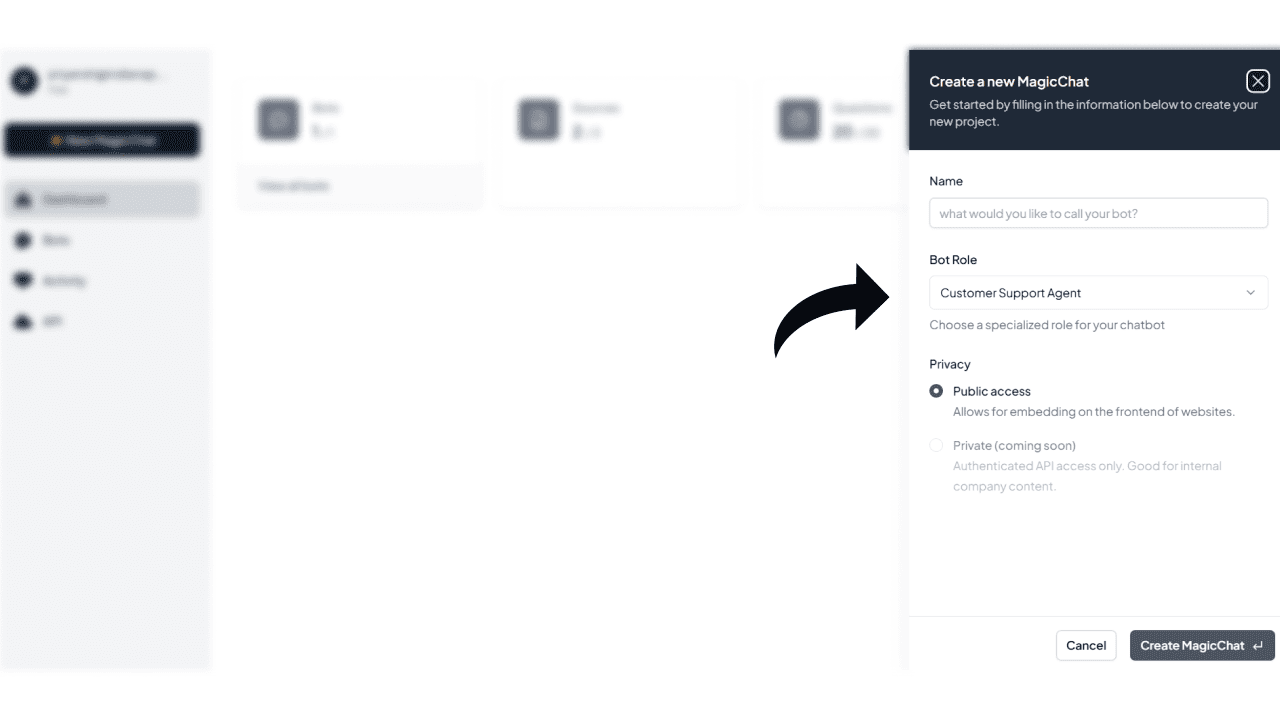
Step 3 - Create or Select Your Bot

Step 4: Copy Your Bot ID

Navigate to your bot settings and copy the Bot ID from the settings page.
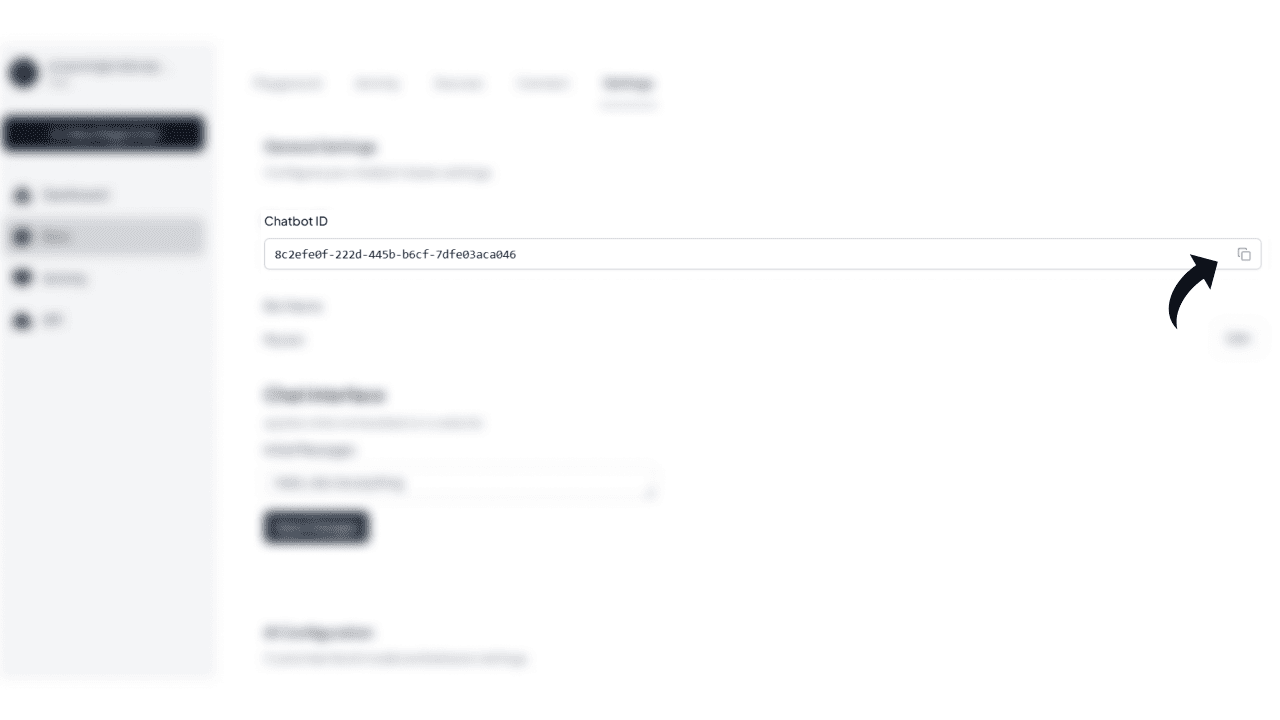
Step 4 - Copy Your Bot ID

Step 5: Add Bot ID to Your MagicChat Extension

Open your MagicChat extension, paste the copied Bot ID, and save the settings.
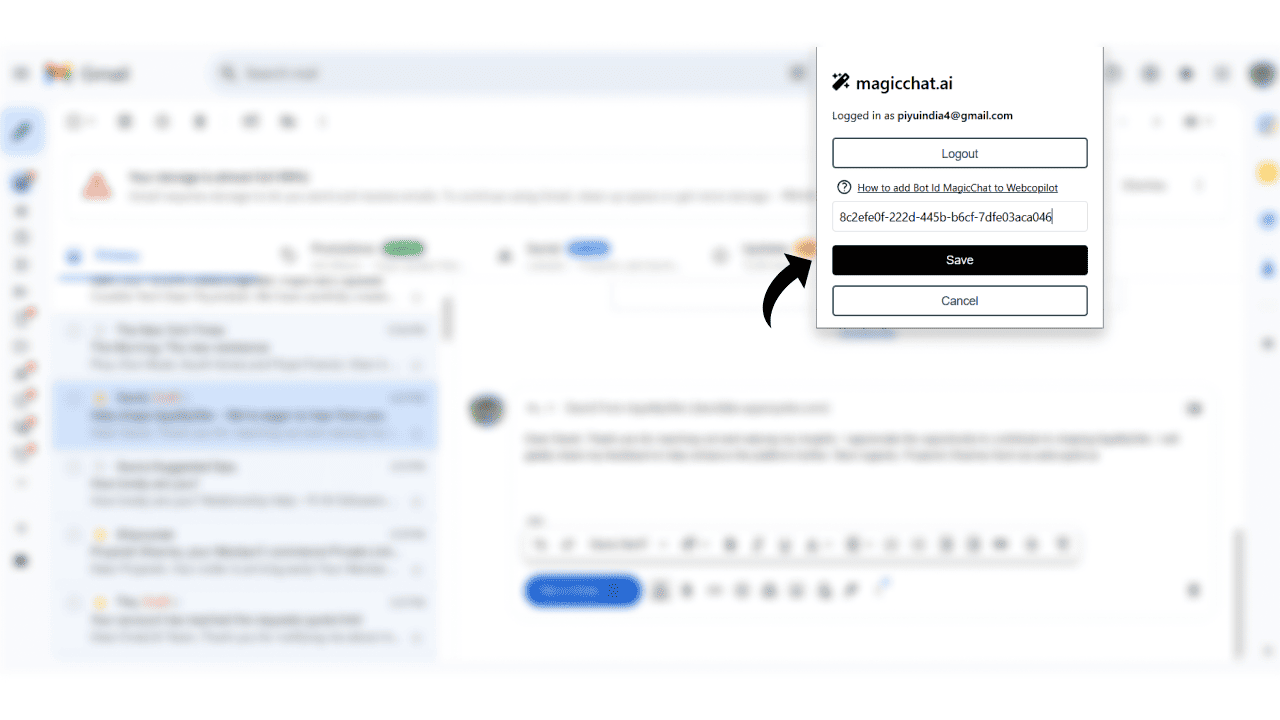
Step 5 - Add Bot ID to Your MagicChat Extension
Share: